Forum
Forum01
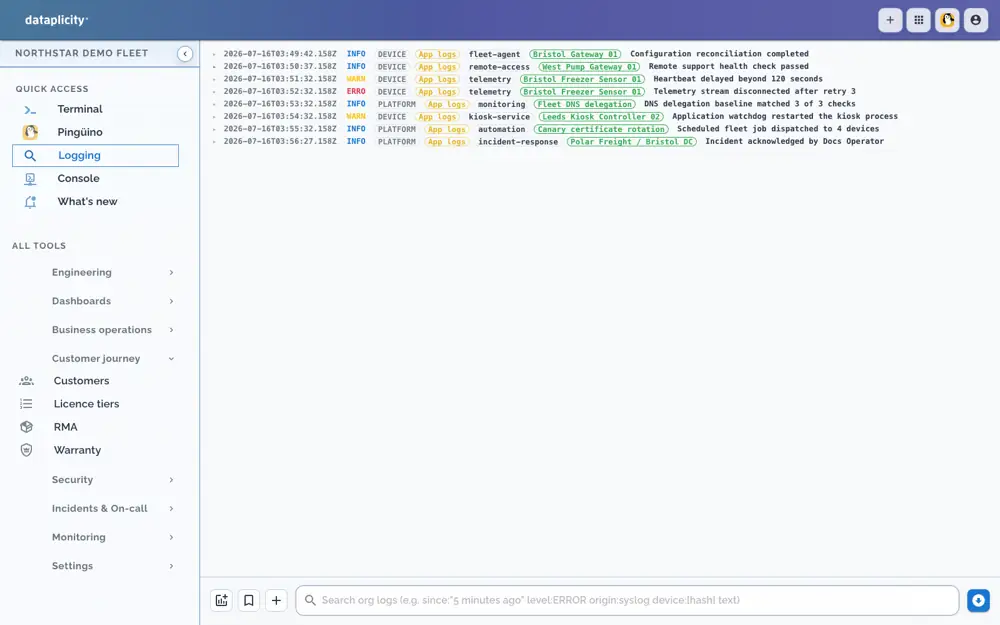
See what happened before the call.
Find the unit and time range. Read the logs you collected before choosing an intervention.

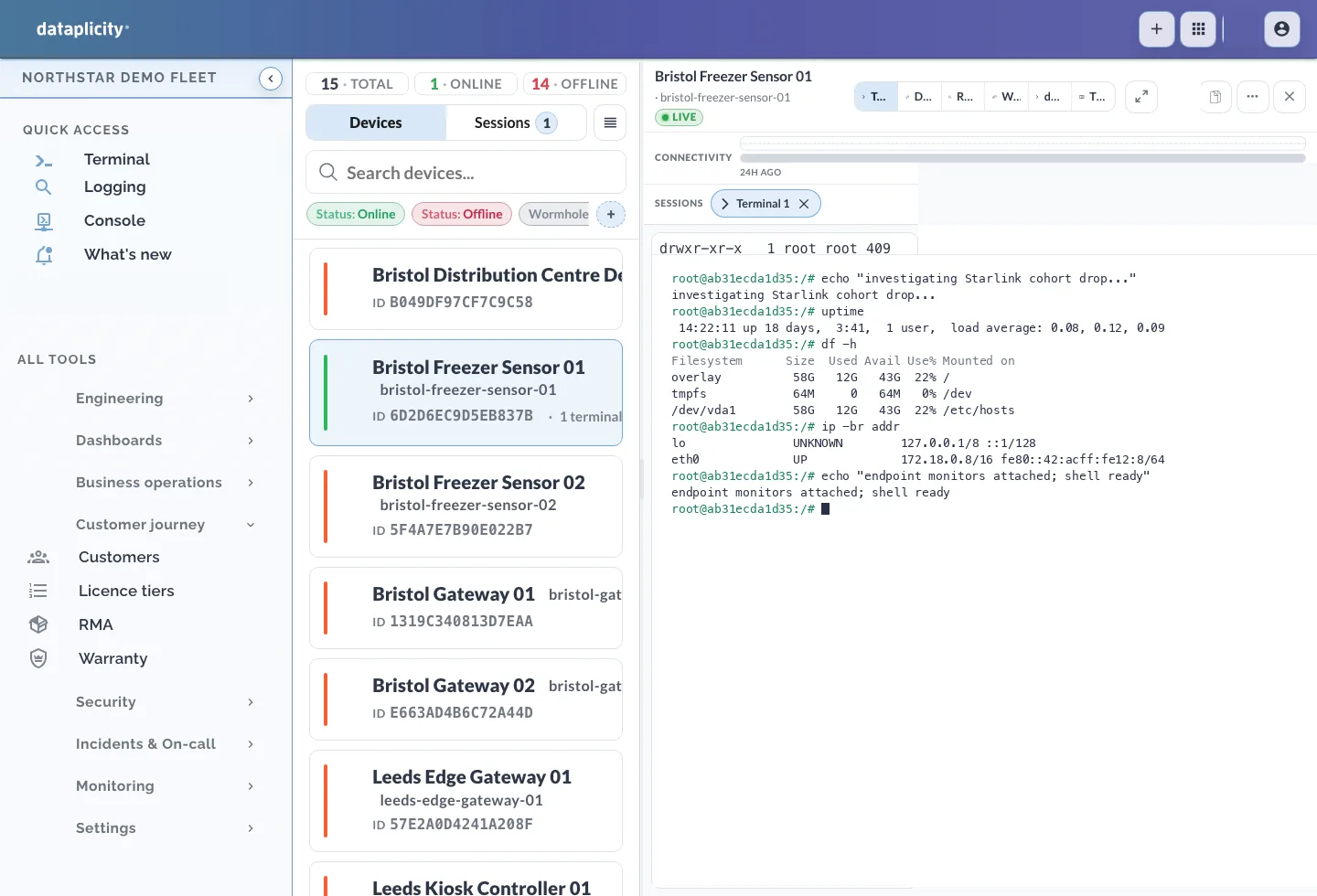
Find the fault, reach the device and check the recovery.
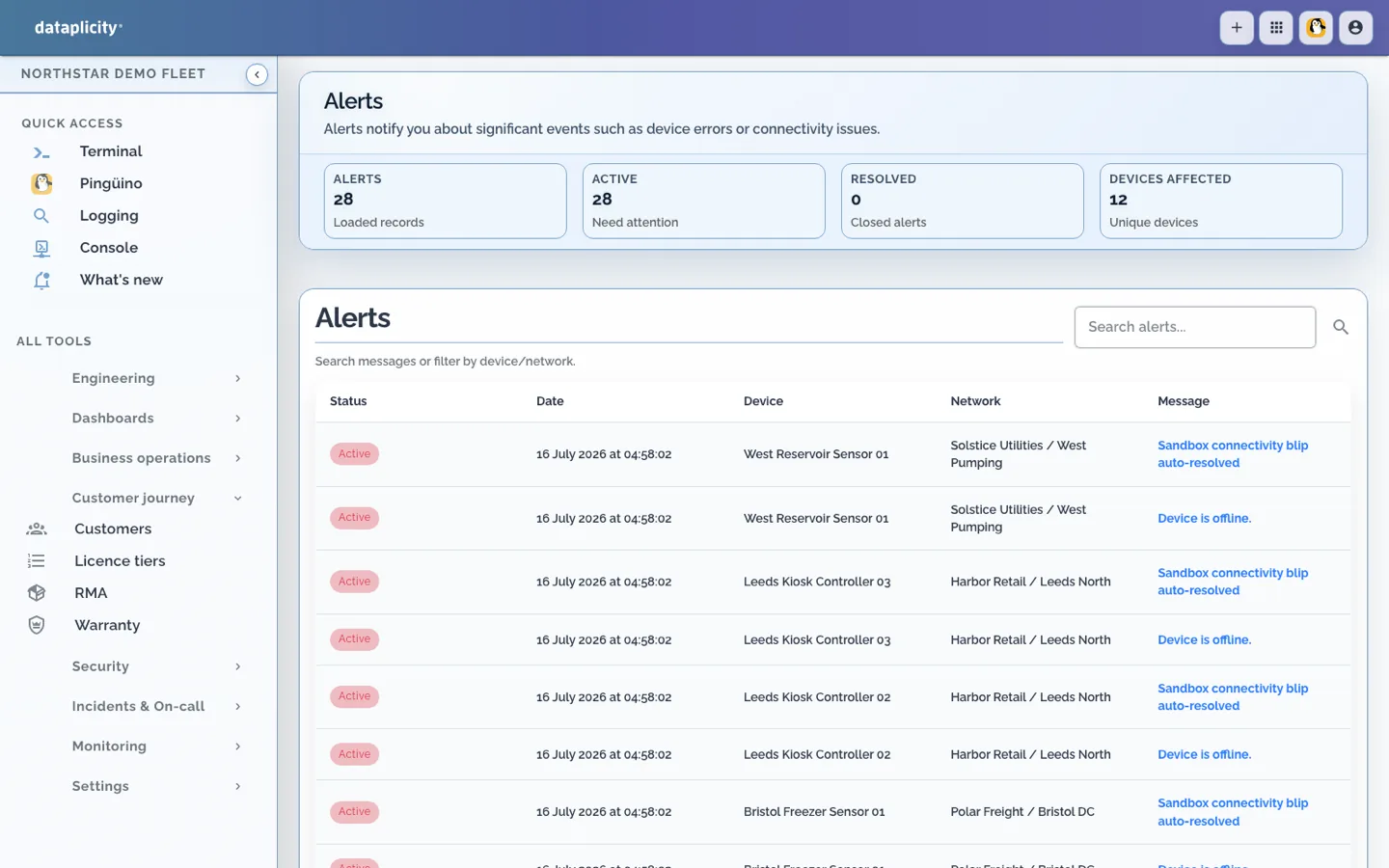
Device alerts · Northstar demo fleet
Find the unit and time range. Read the logs you collected before choosing an intervention.
Open an authorised terminal or device service. Investigate the application running on your existing Linux.
Look for a fresh product reading or confirmed customer outcome before closing the job.
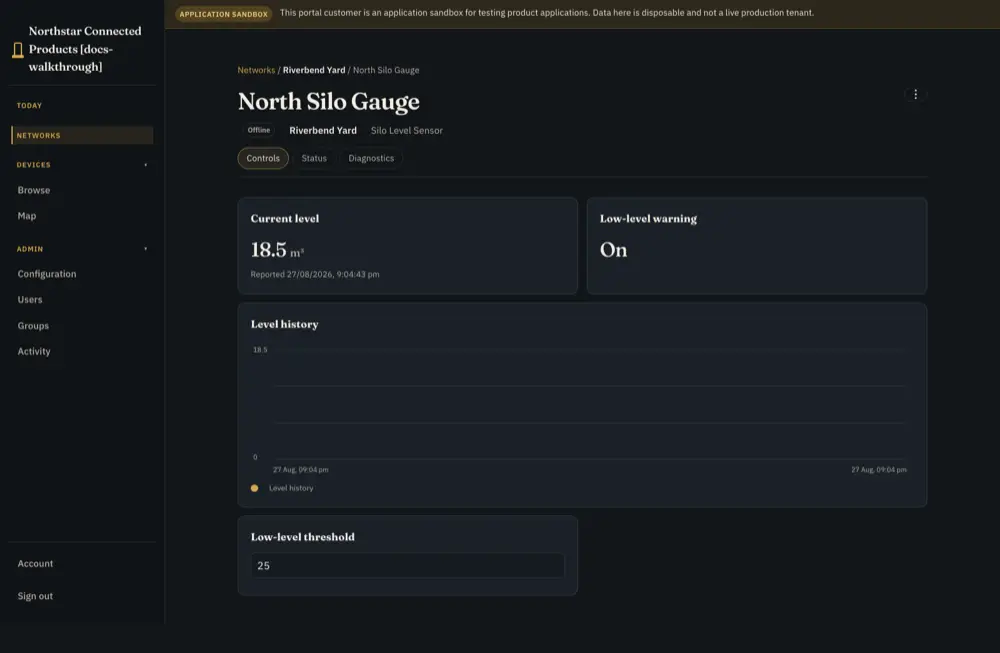
Reference product view · integration required
Enable collection first. Live device access needs a connected agent; check fresh product readings before closing the job.
Setup and technical guides ↓Choose the setup question or guide you need.
Keep the device identity, selected evidence, software state and customer/site assignment with the investigation. Record the time range, reasoning and unresolved questions for the next responder. You still select the correct scope; linked context does not automatically prove a common cause.
While a device is offline, previously collected cloud evidence may remain available; live shell and device-service access wait for reconnection. Pre-install log history is unavailable, and devices disappearing together do not establish an ISP fault. No remote-fix percentage or autonomous repair is promised.
Configuration, product engineering and subscription eligibility are different requirements.
Install the supported agent; enable useful logs, diagnostics and product health signals. Group comparable devices for Pulse. Product-specific health may need an adapter. Choose access roles, permitted device tags and TCP ports, and response rules.
Your Linux, application, supervisor and existing application and update mechanism can remain. Software delivery is optional; no Customer Portal or RAUC migration is required for support.
Standard supports everyday operations; fleet jobs, log analytics, incidents and on-call follow Business+ capabilities. Logs have collection, retention and metering conditions. SSO, SCIM, security detections and audit follow paid-plan inclusions; audit is not terminal keystroke recording.
Read the guide → →Use the exact implementation guides to check the supported contract and limits.
Configuration and implementation requirements.
Read the guide → →Configuration and implementation requirements.
Read the guide → →Configuration and implementation requirements.
Read the guide → →Ask for help where evidence or an integration decision is unclear. Use the context and permissions available to that conversation.
Equidna helps connect supplied hardware evidence to the software path; Nutria helps plan the customer job; Pingüino helps investigate authorised operational evidence. Shared-room help remains read-only. 24/7 AI assistance has plan and usage conditions.
Read the guide → →Use the reference to build your own test. Validate the hardware, integration and operating process on your product.
Review the procedure and qualify the parts your product requires.
Read the guide → →Start with the product you have, then choose independent optional paths.
Read the guide → →Choose only the capability needed for the next result; delivery and customer applications remain optional.
Choose granted device tags and TCP ports from a Linux host.
Networking →Configure fleet conditions, escalation and recovery evidence.
Monitoring →Review identity, permission and device-access evidence.
Security, SSO and audit →Use independent application or qualified RAUC image delivery when useful.
Software delivery →Distinguish local work, pending requests and reconciliation.
Offline operation →Compare the complete requirement and retained responsibilities.
Compare approaches →Start with your work email to get the agent installation command. Install it on a supported Linux unit, then open a terminal and enable the logs you need.