Forum
ForumYour engineering workspace
↗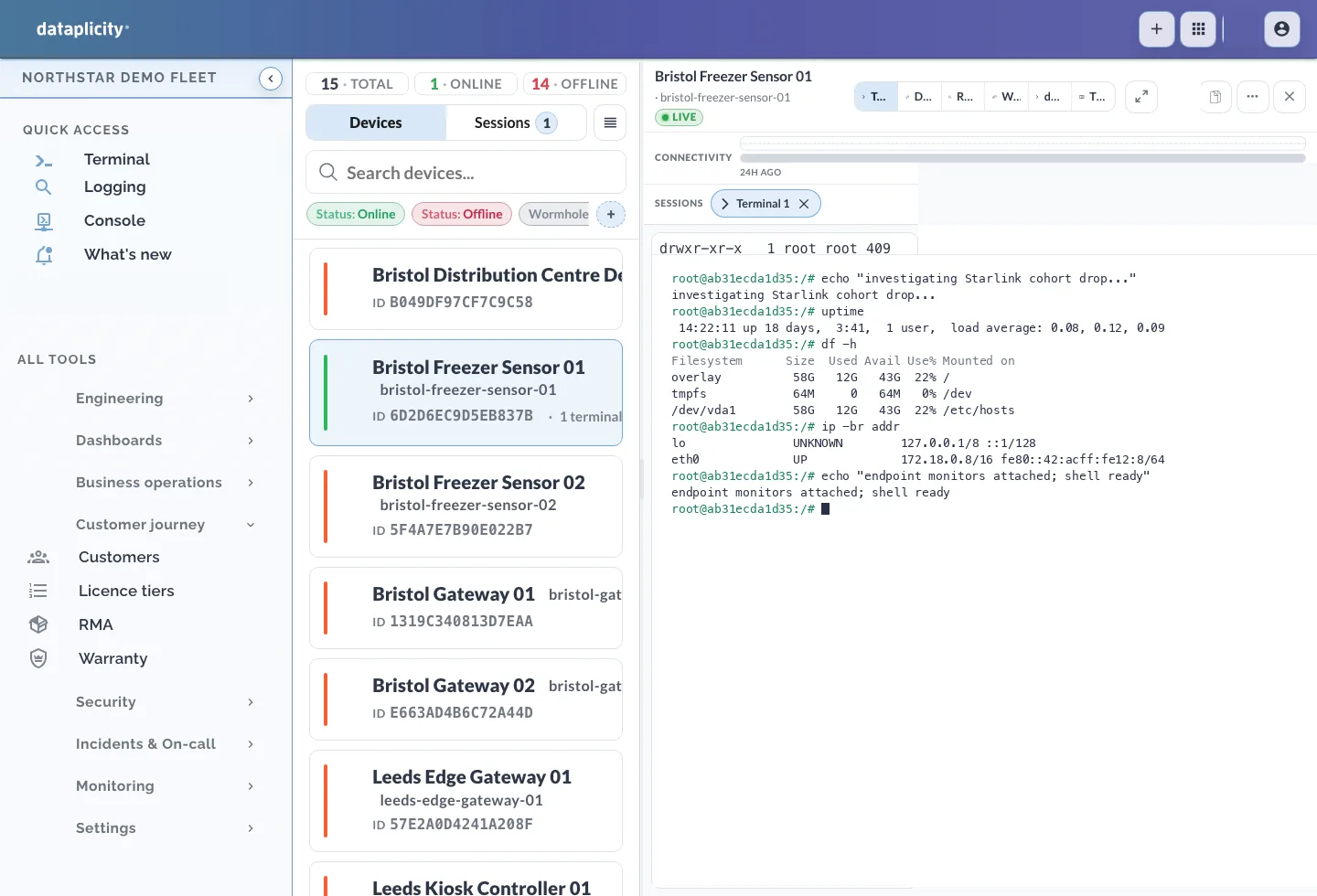
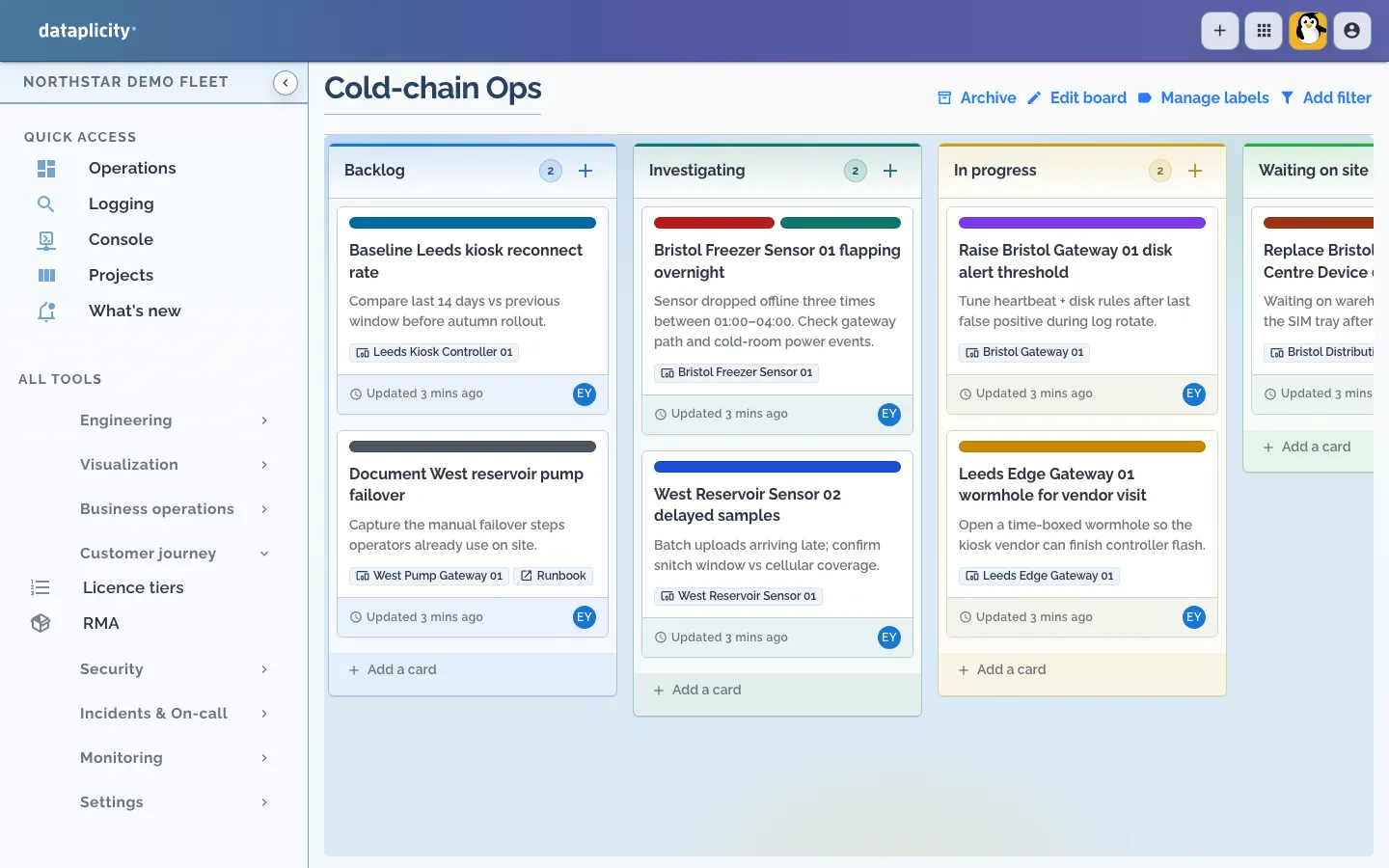
Your team investigates and supports deployed devices through authorised engineering access.View full-size screenshot ↗

Support the equipment you ship. Give customers their own readings and controls, and give your team the tools to install, investigate and improve the product.
Keep your Linux and application. Start with the agent.
Remote support workspace · Northstar demo fleet
You build the connected device. Use Dataplicity to support it in the field and give your customers an application with the readings and controls you choose.
Your hardware and device software, with your local safeguards.
Your team investigates and supports deployed devices through authorised engineering access.View full-size screenshot ↗
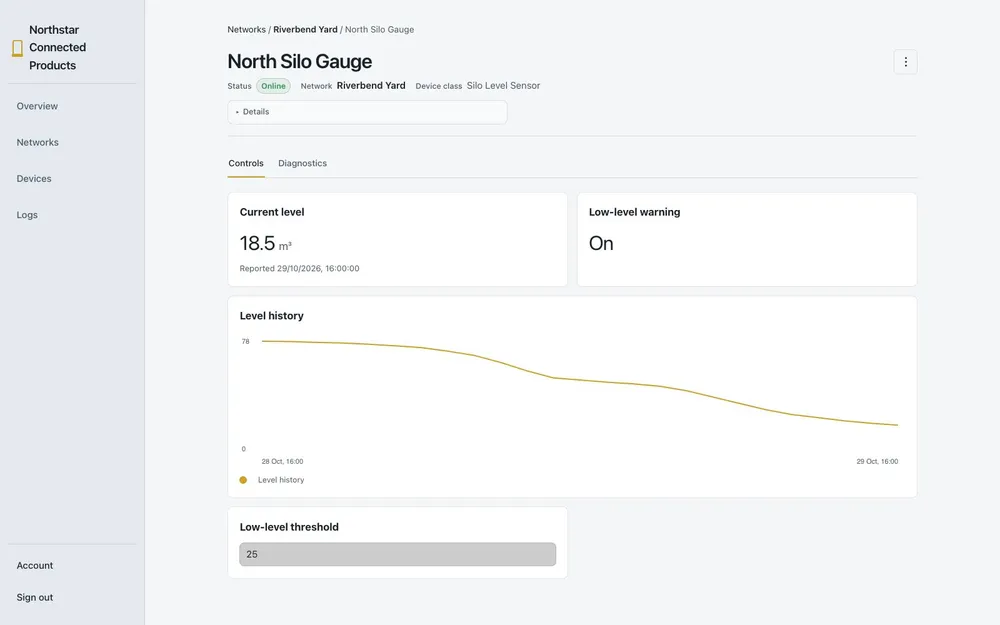
The application you provide to your customers, with their equipment, readings and permitted controls.View full-size screenshot ↗
Demo engineering workspace and reference customer application. Product data, customer assignments and permissions require configuration.
Find a fault, open a terminal and support the fleet you’ve already shipped.
Give customers their own readings and controls, in an application for your product.
Remote Desktop, shared Files and Chat. The tools for the people behind the product.
Meet SiloSentry, a fictional grain-monitoring business. The same small team builds the monitors, installs them at customer sites and answers the call when a reading looks wrong.
Follow one monitor through their work. See how Dataplicity connects the engineering, customer application and everyday work of the team behind it.
Alex works through the sensor interface and shares the engineering baseline before the site visit.
Sam installs the monitor. Jo prepares the customer’s application, with their silo readings and permitted controls.
When a reading stops changing, the team picks up from shared files and a conversation, investigates the fault and checks the result.
From a first GPIO hookup to Linux and networking, work through your next question with Lince, our AI assistant, and the community in our public forum.
Explore Ask LinceIllustrative Q&A
For a red indicator LED on a carrier using 3.3 V GPIO, add a 330 Ω resistor in series with the LED:
Power off before wiring. Check your carrier’s pinout and GPIO voltage; CM5 carriers can use 3.3 V or 1.8 V.
Source: Raspberry Pi CM5 datasheet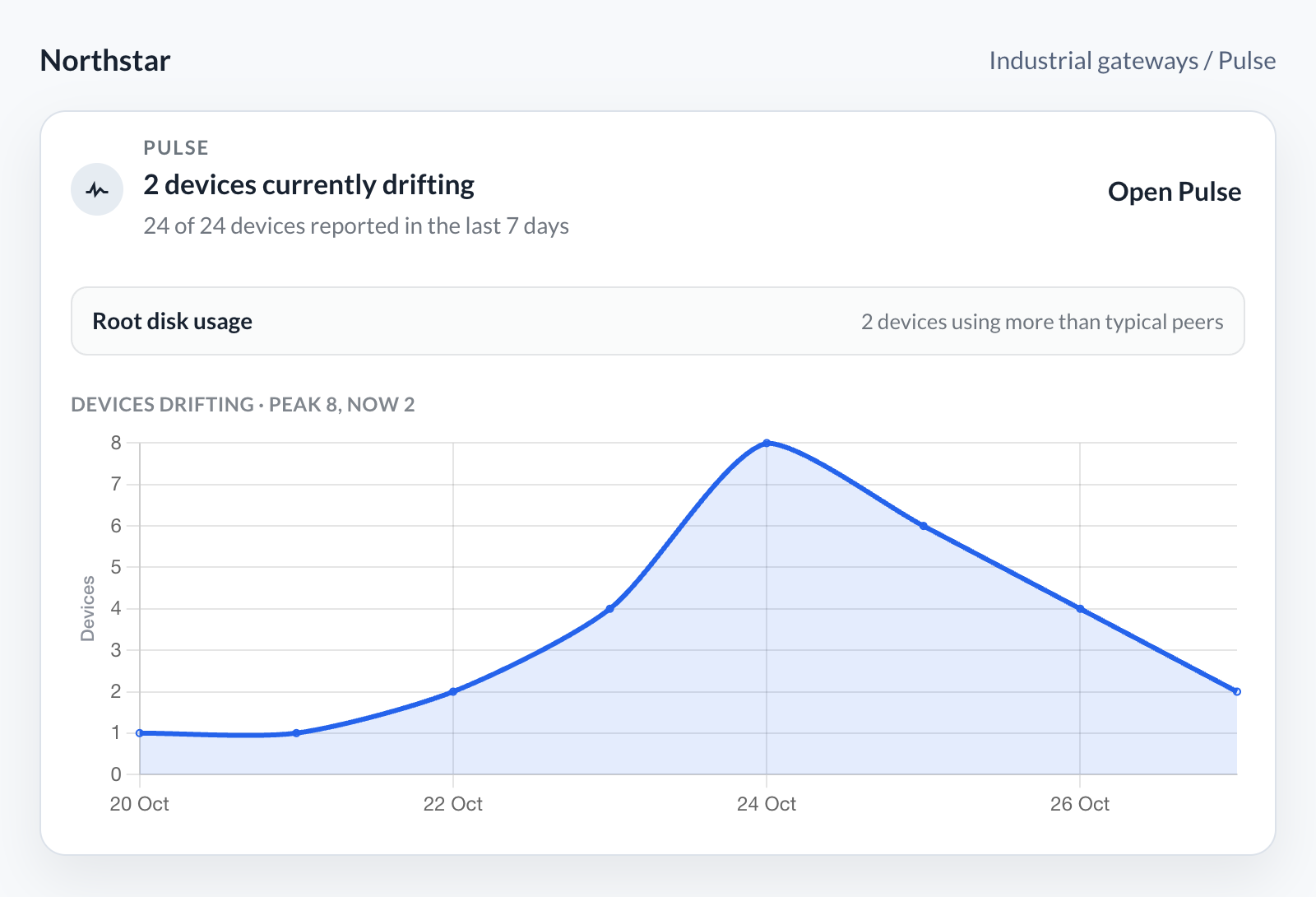
See drift spread across your fleet, then track whether it subsides. Pulse highlights devices behaving differently from their peers so you can focus the next investigation.
Explore fleet visibility →Open a SCADA console, checkout or workshop PC from your browser with Dataplicity Remote Desktop. See what the person on site sees and work with the software already installed.
Use its mouse and keyboard to investigate a fault or help someone through an unfamiliar screen.
Explore Remote Desktop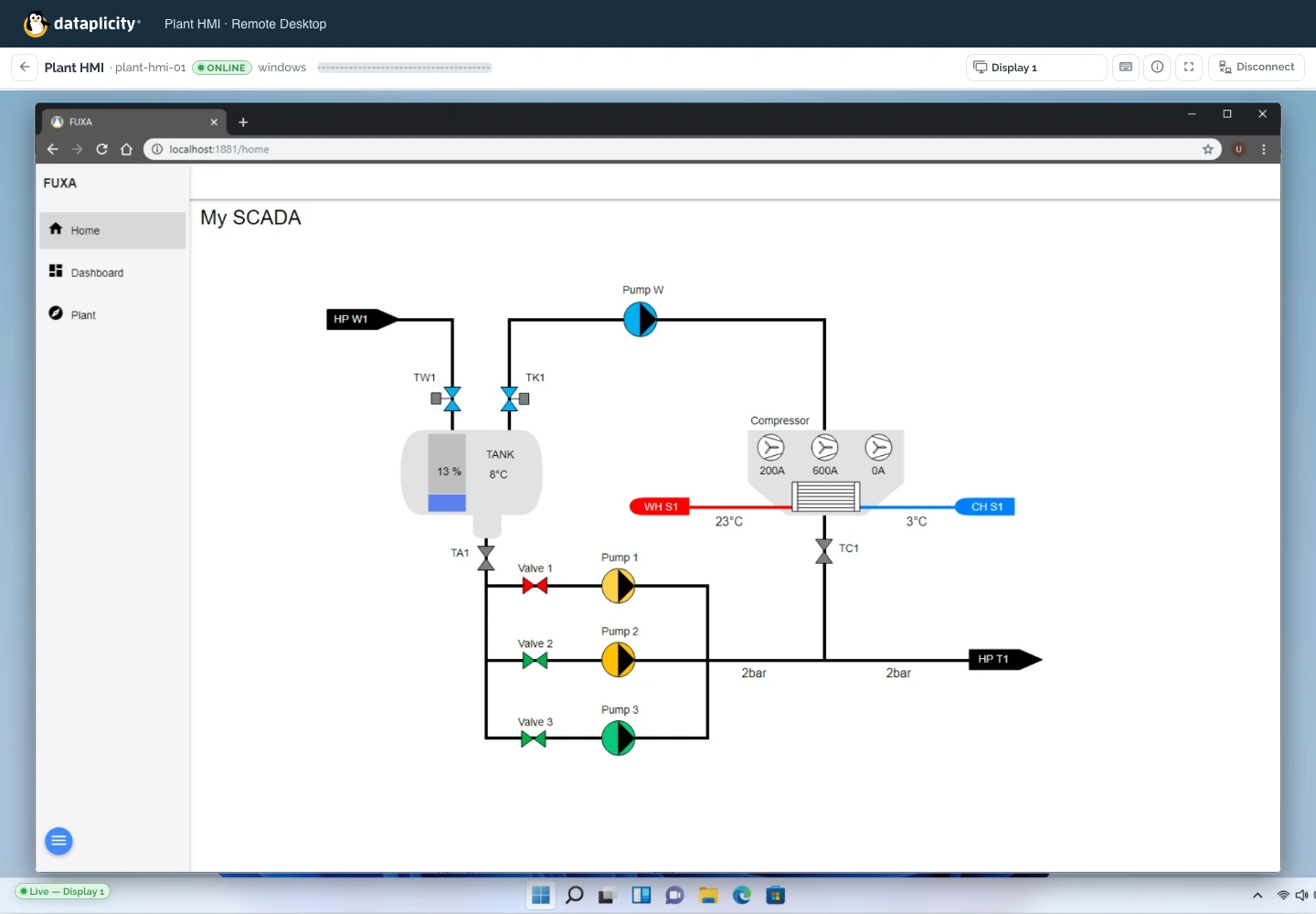
The drawing on your desk. The photos from site. The handover your teammate needs next.
Keep them in shared folders with Dataplicity Files. Open and edit on your computer, then get to the same files from your phone or the web.
Explore Files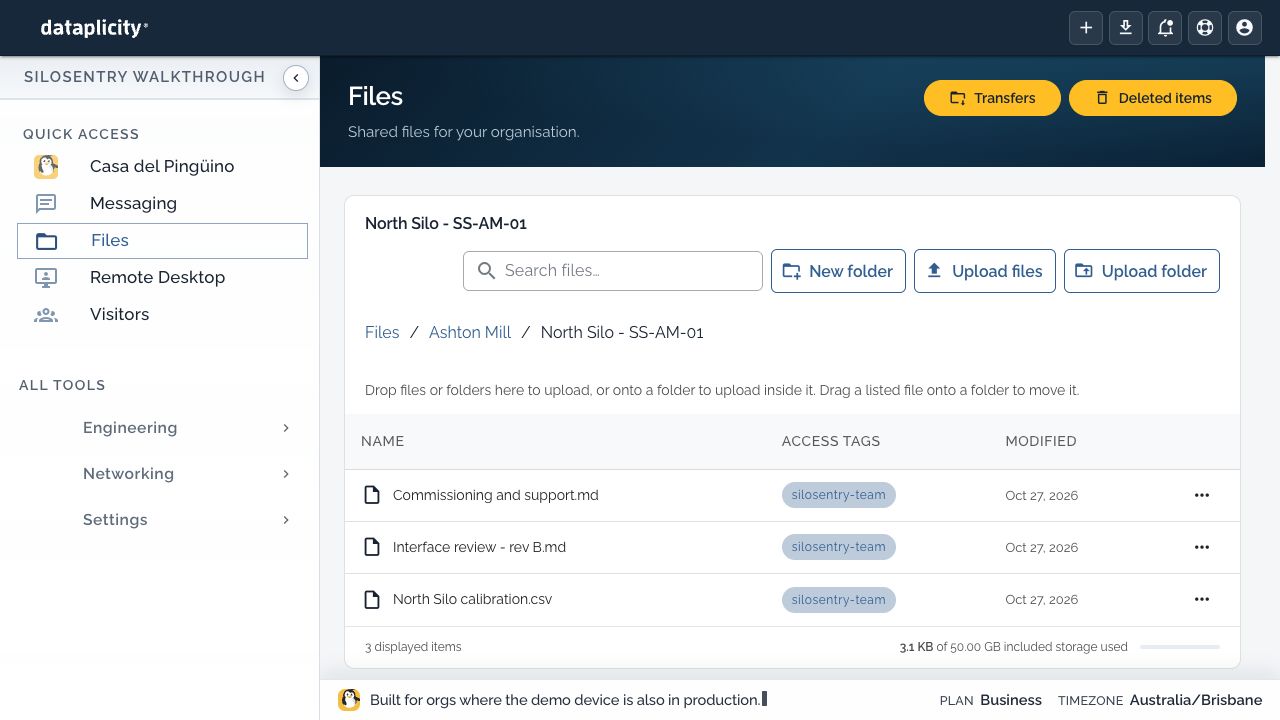
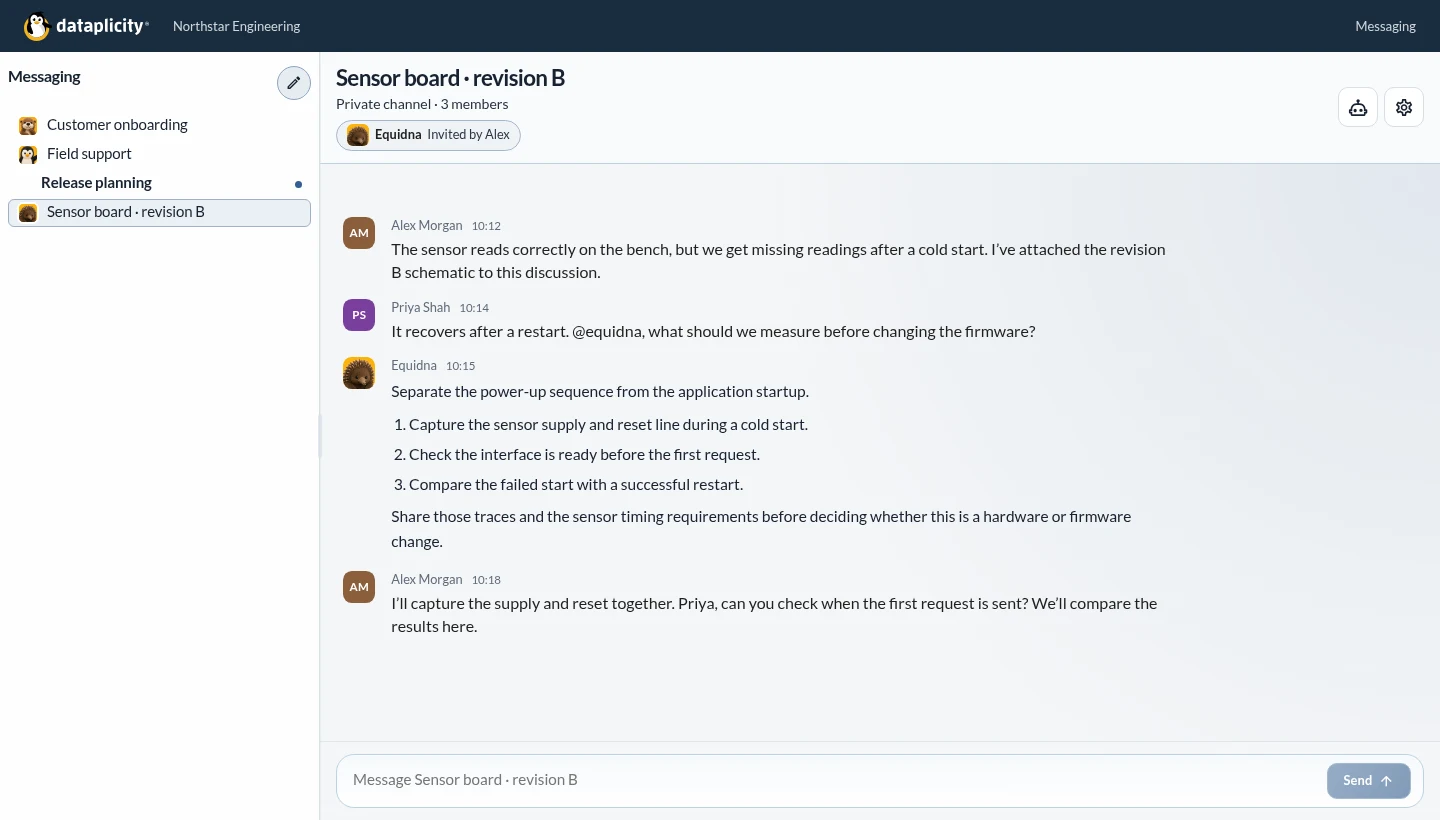
A design question, a difficult fault or the next site visit. Move from messages to an audio or video call, and keep the evidence and decisions in a conversation your team can come back to.
Invite an AI specialist when another perspective would help. Work through hardware, firmware or a support question with the team in the same conversation.
Explore chat, audio and video