Forum
Forum01
Choose the readings and controls to expose.
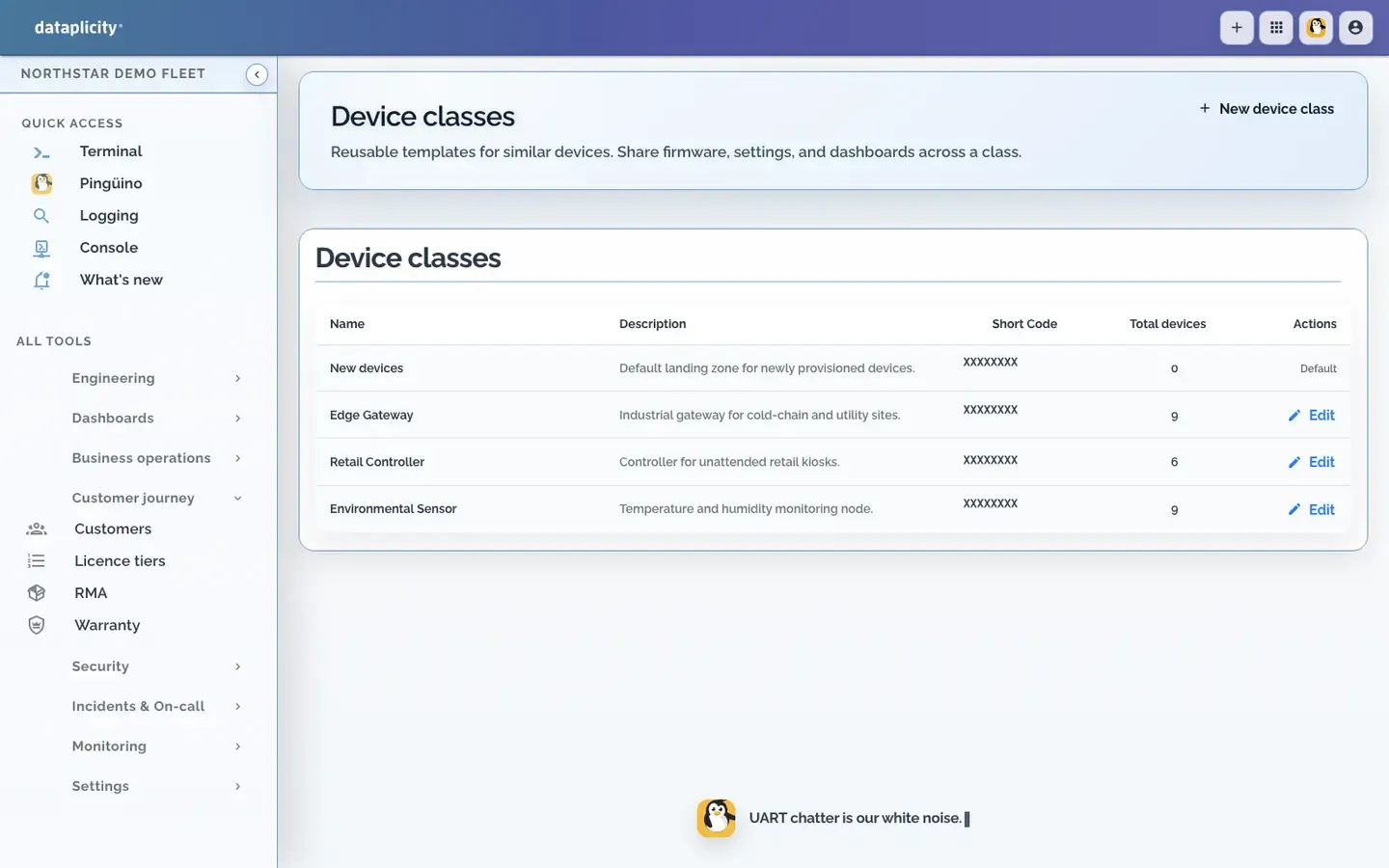
Define product streams, settings and actions around your existing application.

Your equipment, readings and controls. Your customer’s application.
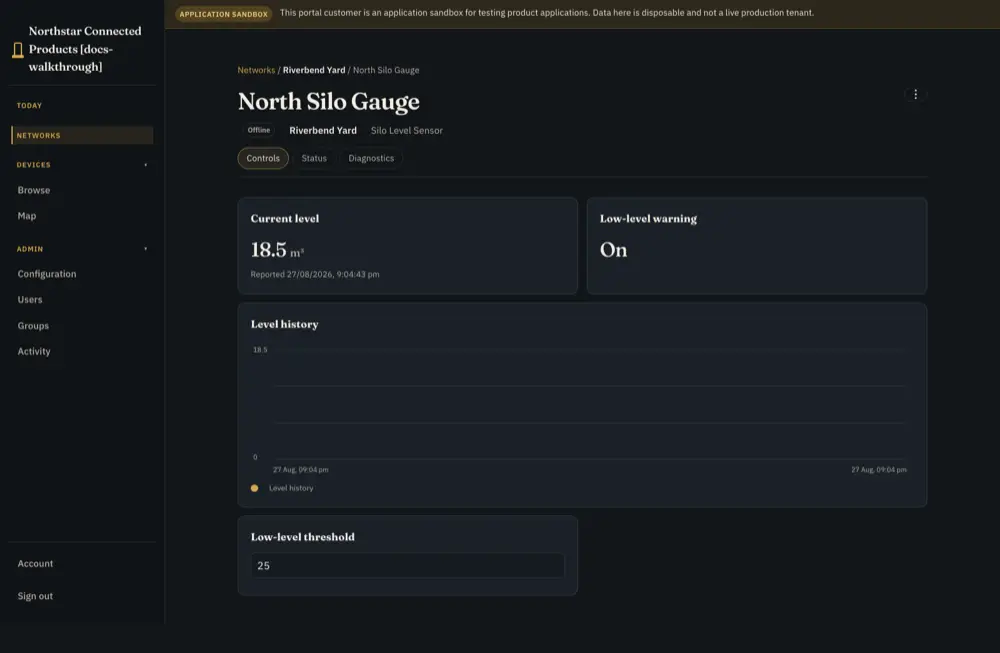
Customer portal · level-monitor reference
Define product streams, settings and actions around your existing application.
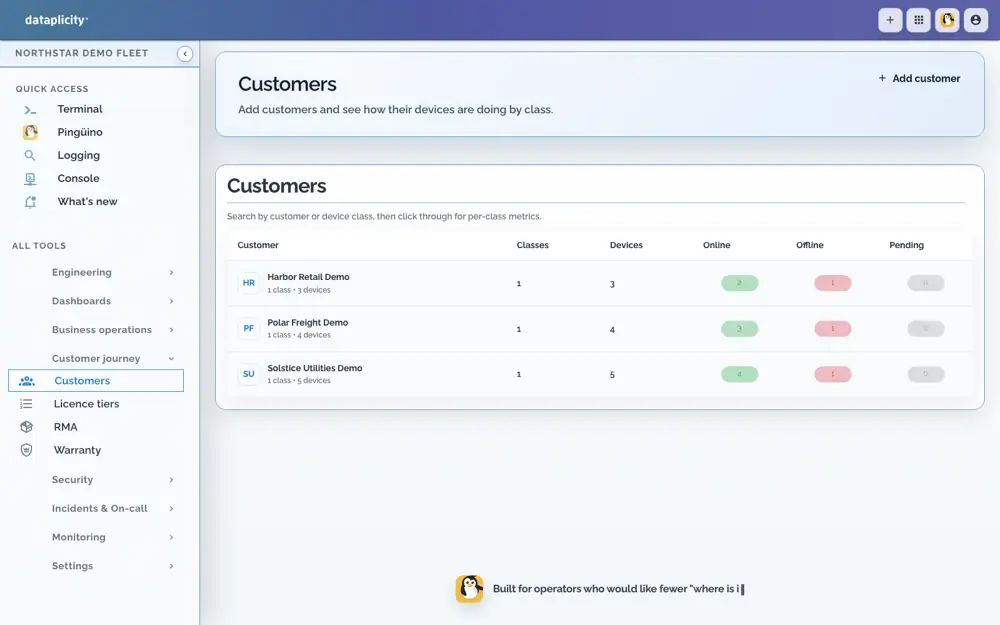
Allocate devices and sites, then configure roles and the branded customer view.
Present fresh readings and permitted controls. Distinguish requested, pending and applied state.
Reference product view · integration required
Product integration and plan limits apply. Customer access does not include your engineering tools or local safety controls.
Setup and technical guides ↓Choose the setup question or guide you need.
Device identity, product definition and customer/site allocation connect the two experiences. Share only the data and controls you deliberately expose. Customer permissions do not grant terminal, account administration or unrestricted engineering access.
Build the branded web view around your product integration. Native apps and business-system connections are separate engineering work. Check your plan’s domain and branding options. Your team owns product calculations and equipment behaviour.
Configuration, product engineering and subscription eligibility are different requirements.
Integrate the selected product contract, configure the customer view, branding, allocation and roles, then exercise data and control outcomes. Product Applications can add bounded records and processes when needed; they are not a substitute for specifying product behaviour.
Keep your hardware, Linux, application, firmware and local safeguards. An adapter can add customer data and controls without rewriting the product. RAUC and managed containers are independent options.
Standard supports one Customer Portal and one downstream customer organisation; Business+ supports a multi-customer product within current published limits. Device/runtime readiness and integration remain separate from subscription eligibility.
Read the guide → →Use the exact implementation guides to check the supported contract and limits.
Configuration and implementation requirements.
Read the guide → →Configuration and implementation requirements.
Read the guide → →Configuration and implementation requirements.
Read the guide → →Ask for help where evidence or an integration decision is unclear. Use the context and permissions available to that conversation.
Equidna helps connect supplied hardware evidence to the software path; Nutria helps plan the customer job; Pingüino helps investigate authorised operational evidence. Shared-room help remains read-only. 24/7 AI assistance has plan and usage conditions.
Read the guide → →Use the reference to build your own test. Validate the hardware, integration and operating process on your product.
Review the procedure and qualify the parts your product requires.
Read the guide → →Start with the product you have, then choose independent optional paths.
Read the guide → →Integrate the selected product contract, configure the customer view, branding, allocation and roles, then exercise data and control outcomes. Product Applications can add bounded records and processes when needed; they are not a substitute for specifying product behaviour.