
01
The customer opens their equipment.
Their assigned site and role determine which readings and controls they see.
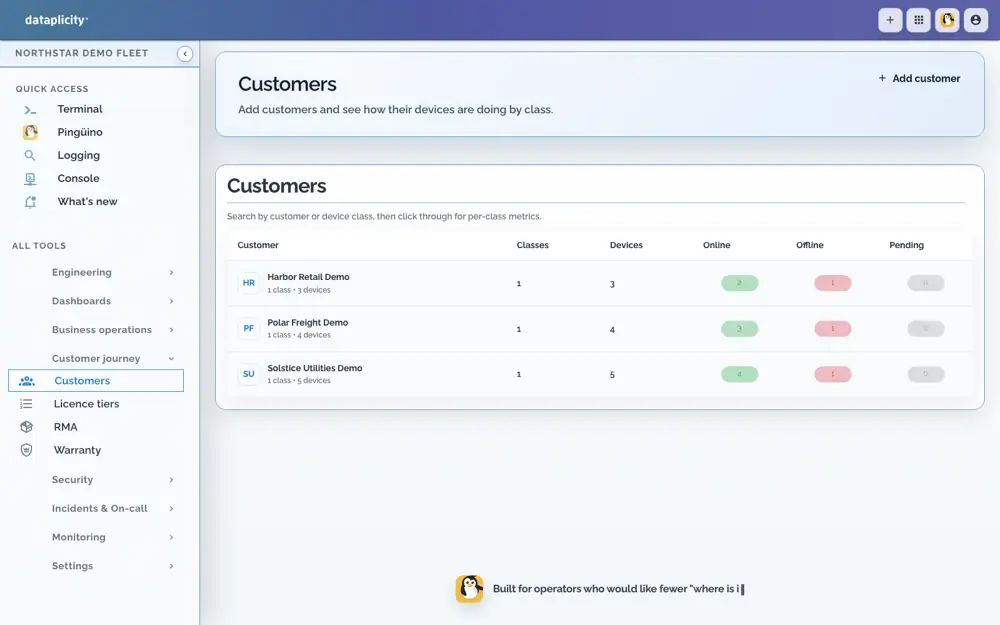
Northstar demo workspace

Let customers manage routine settings with the right permissions.
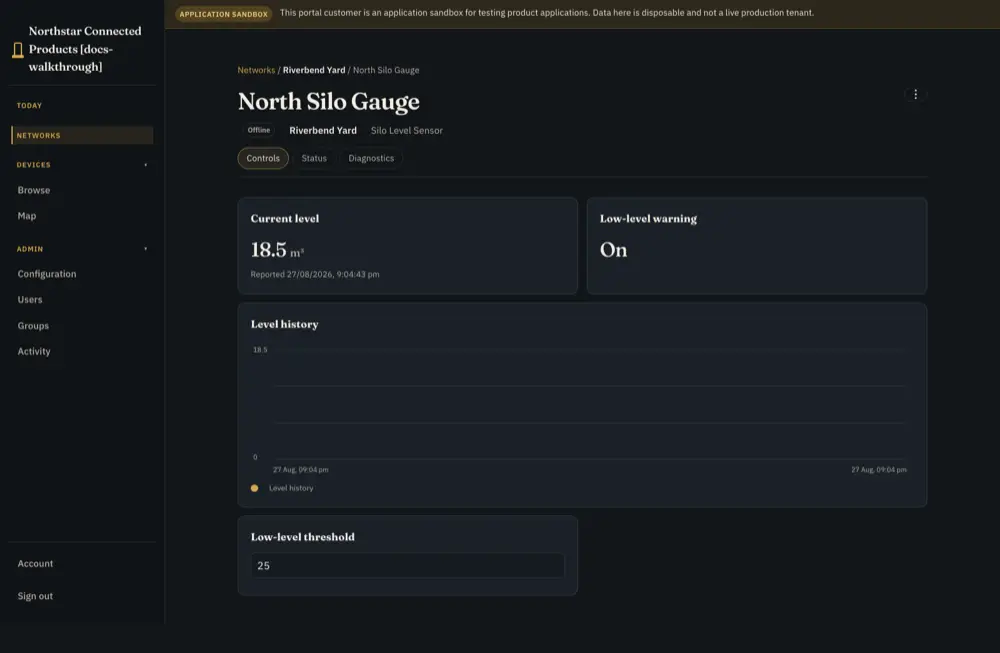
Customer readings and threshold controls · reference product
Their assigned site and role determine which readings and controls they see.
Northstar demo workspace
Expose selected settings or actions. Your device application validates limits and interlocks.
Reference product view · integration required
Report applied state, pending work or rejection. Support investigates exceptions with its own permissions.
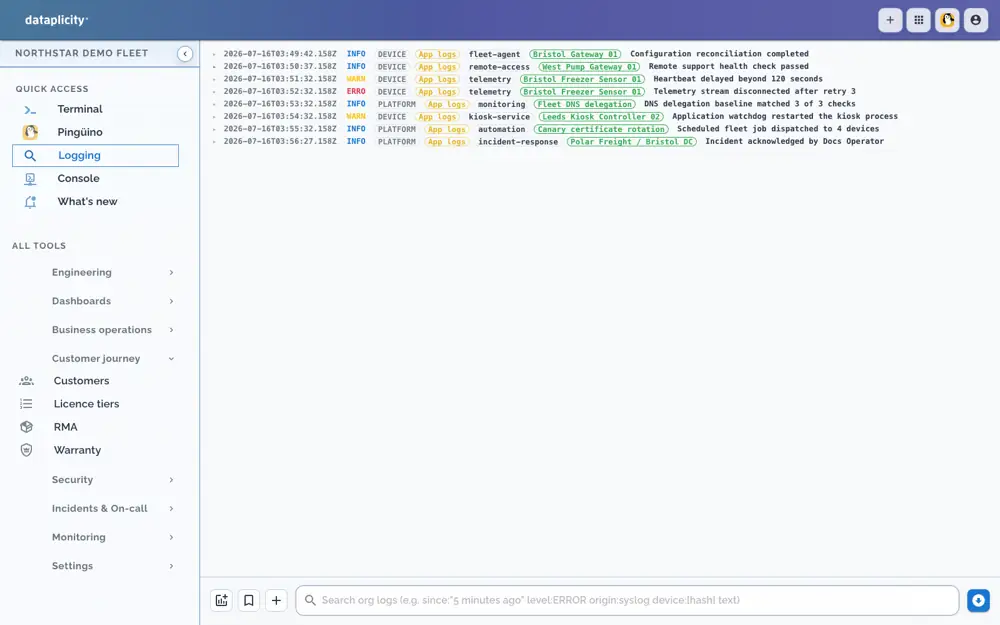
Northstar demo workspace
Configure allowed commands and offline behaviour. Check the equipment’s reported state to confirm a change took effect.
See the full workflow and requirements →Illustrative operating sequence. People choose the scope and intervention; configured collection, rules and device behaviour supply the evidence.
Step 1
HVAC scheduling reference: the customer opens an assigned building and selects a controller. Customer/site/device roles determine which settings and schedules appear.
Step 2
The configured interface exposes only the allowed action or setting. The device application validates limits and interlocks before acting; a portal button is not a physical safety control.
Step 3
Distinguish the requested value, transport acknowledgement, pending offline change, expiry, rejection and the applied value. Define reconnect behaviour; do not silently present a queued request as executed.
Step 4
Read fresh reported state and the product outcome. An exception goes to support with the device, customer, time and request context rather than another unstructured setup call.
The same device and customer scope link the request, permitted control and resulting state. Support can investigate using its own authorised tools; the customer does not inherit those engineering permissions.
Customer-safe access does not make every physical command safe. The manufacturer retains operating limits and interlocks. A command acknowledgement is not evidence that a valve moved or a room reached its setpoint.
Configuration, product engineering and subscription eligibility are different requirements.
Configure the customer application, Device Class settings/actions, roles, validation and outcome reporting. Decide which changes may wait for an offline unit and which must expire. Exercise denied access and rejected values.
Your existing controller, Linux, firmware, local safeguards and domain logic remain. You expose only selected product controls; you do not need to make the whole application a managed container.
Customer application capability and customer/portal limits follow the plan. Local validation, stale-state presentation and confirmed outcomes require product integration.
Read the guide →Use the exact implementation guides to check the supported contract and limits.
Configuration and implementation requirements.
Read the guide →Configuration and implementation requirements.
Read the guide →Ask for help where evidence or an integration decision is unclear. Use the context and permissions available to that conversation.
Equidna helps connect supplied hardware evidence to the software path; Nutria helps plan the customer job; Pingüino helps investigate authorised operational evidence. Shared-room help remains read-only. 24/7 AI assistance has plan and usage conditions.
Read the guide →Use the reference to build your own test. Validate the hardware, integration and operating process on your product.
Review the procedure and qualify the parts your product requires.
Read the guide →Start with the product you have, then choose independent optional paths.
Read the guide →Configure the customer application, Device Class settings/actions, roles, validation and outcome reporting. Decide which changes may wait for an offline unit and which must expire. Exercise denied access and rejected values.