
Connect from the device
The agent makes the outbound connection, including from behind NAT or a cellular network when policy permits it.

Open a browser terminal over the agent’s outbound connection. Investigate with device health and collected logs. Live access requires an online agent that can reach Dataplicity; outbound network policies still apply.
Get the install command by email. Remote access is free on one device. Pricing
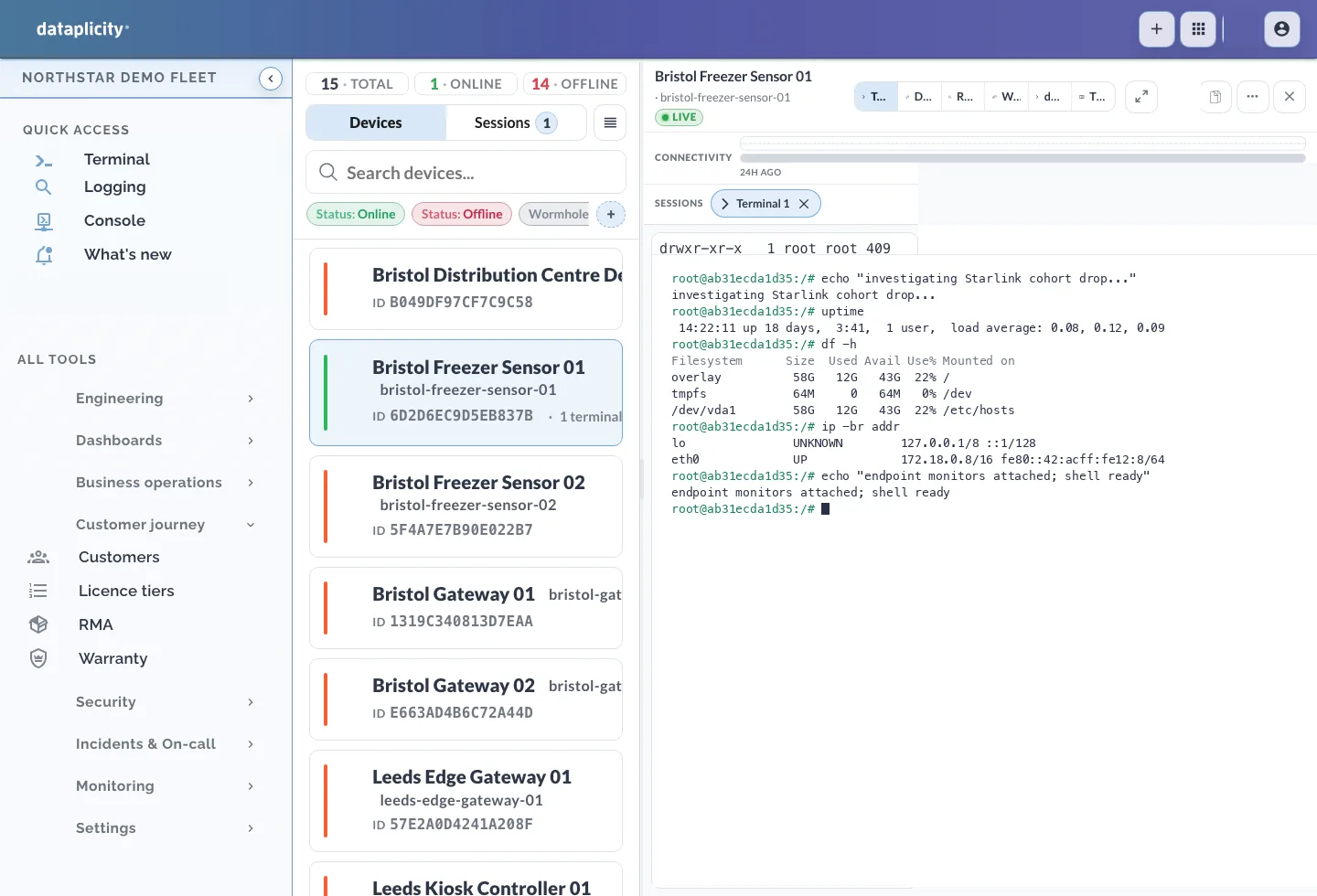
Install the agent on a supported Linux device you can access. Live remote access begins when the agent is online and can reach Dataplicity. Outbound network policies still apply.
The agent makes the outbound connection, including from behind NAT or a cellular network when policy permits it.
Select an online device and open its remote terminal with the appropriate account access.
Session opens are recorded. Terminal contents and keystrokes are not recorded.
Metrics and syslog arrive over the same outbound connection.
Telemetry
Fleet health metrics and per-device drill-down.
Logs
Tail and search syslog across devices and servers.
Events
Deploys, restarts, and config changes in one timeline.
Route alerts and document incidents without leaving the ops view.
Alerts
Thresholds, heartbeats, and expression-based alerts.
Routing
Route alerts to the right rota and log the response.
Incidents
Attach notes and resolution steps to each incident.
Open a secure shell without poking holes in the network.
Terminal
Open secure shells on devices through Dataplicity.
Scripts
Run repeatable commands on target cohorts.
Audit
Review remote session opens as access events. Terminal contents and keystrokes are not recorded.
Connect one Linux device and open its terminal. Choose a paid plan for diagnostics, Pulse and the operating capabilities you need.