
Metadata
Hardware profiles
Capture hardware specs, firmware targets, and tags per SKU.

Define a Device Class for each product type, then use the appropriate install command in your factory or field process. Confirm the connection and customer assignment before expanding.
Get the install command by email. Remote access is free on one device. Pricing
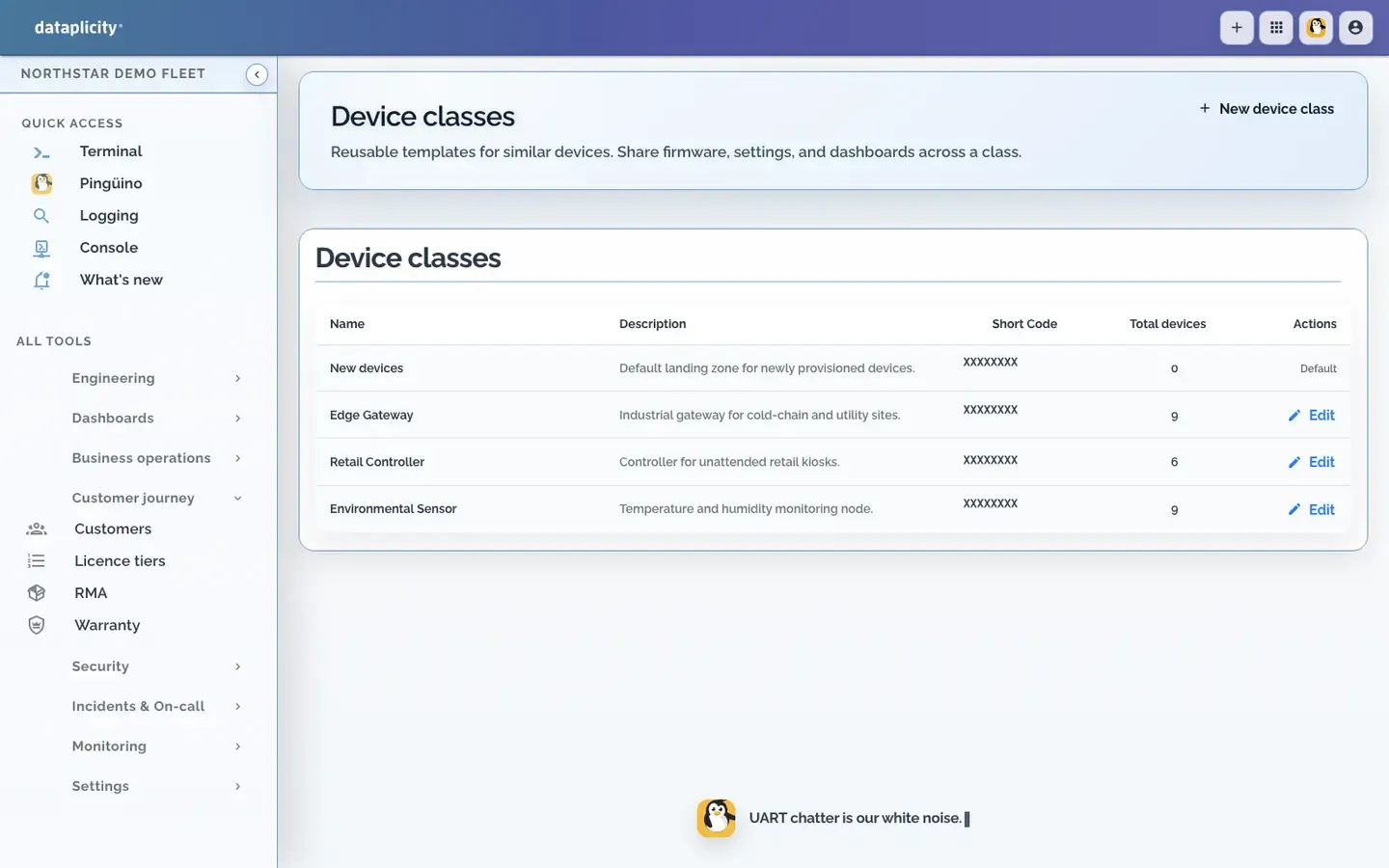
A Device Class groups similar devices and holds the settings for that product type.
Metadata
Capture hardware specs, firmware targets, and tags per SKU.
Config
Set baseline config and policy for each class.
Inventory
New devices inherit class metadata on first check-in.
Customer onboarding and entitlements live next to provisioning.
Ownership
Bind a device to the right customer account.
Licenses
Track entitlement counts and coverage windows.
Warranty
Warranty starts on first check-in, not on a spreadsheet.
Use the same repeatable workflow for a Raspberry Pi pilot, factory image, or field-installed Linux gateway.
Install
Install command is generated from the login flow.
First check-in
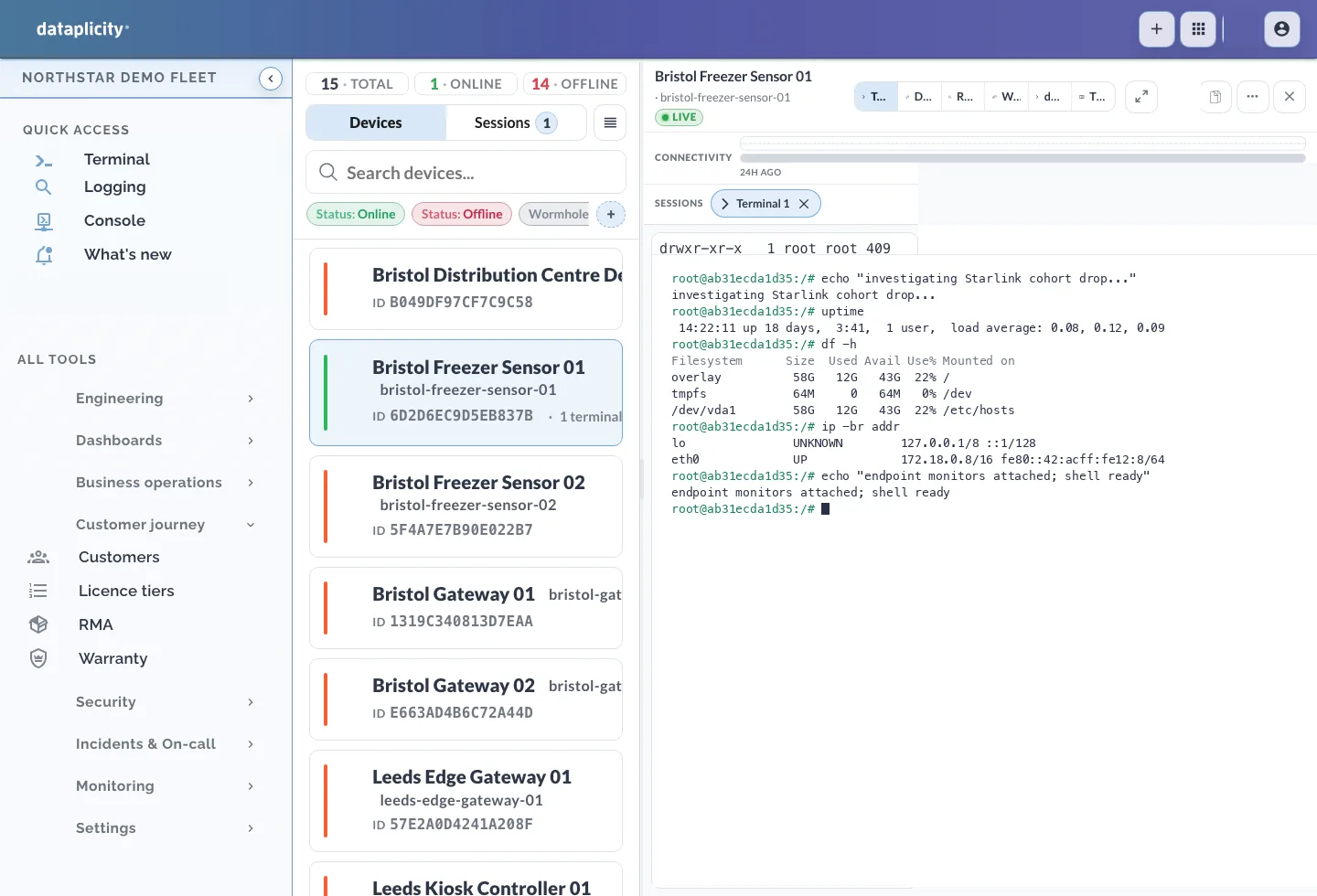
Check that the installed agent connects and the device appears in inventory.
Ownership
Assign devices to the right customer during activation.
Install the agent and see inventory and logs in one place.