
Components
Component health
Map devices, services, or customer-facing features to status components.

Publish customer-facing service status and incident updates. Give customers a place to check progress while your team investigates.
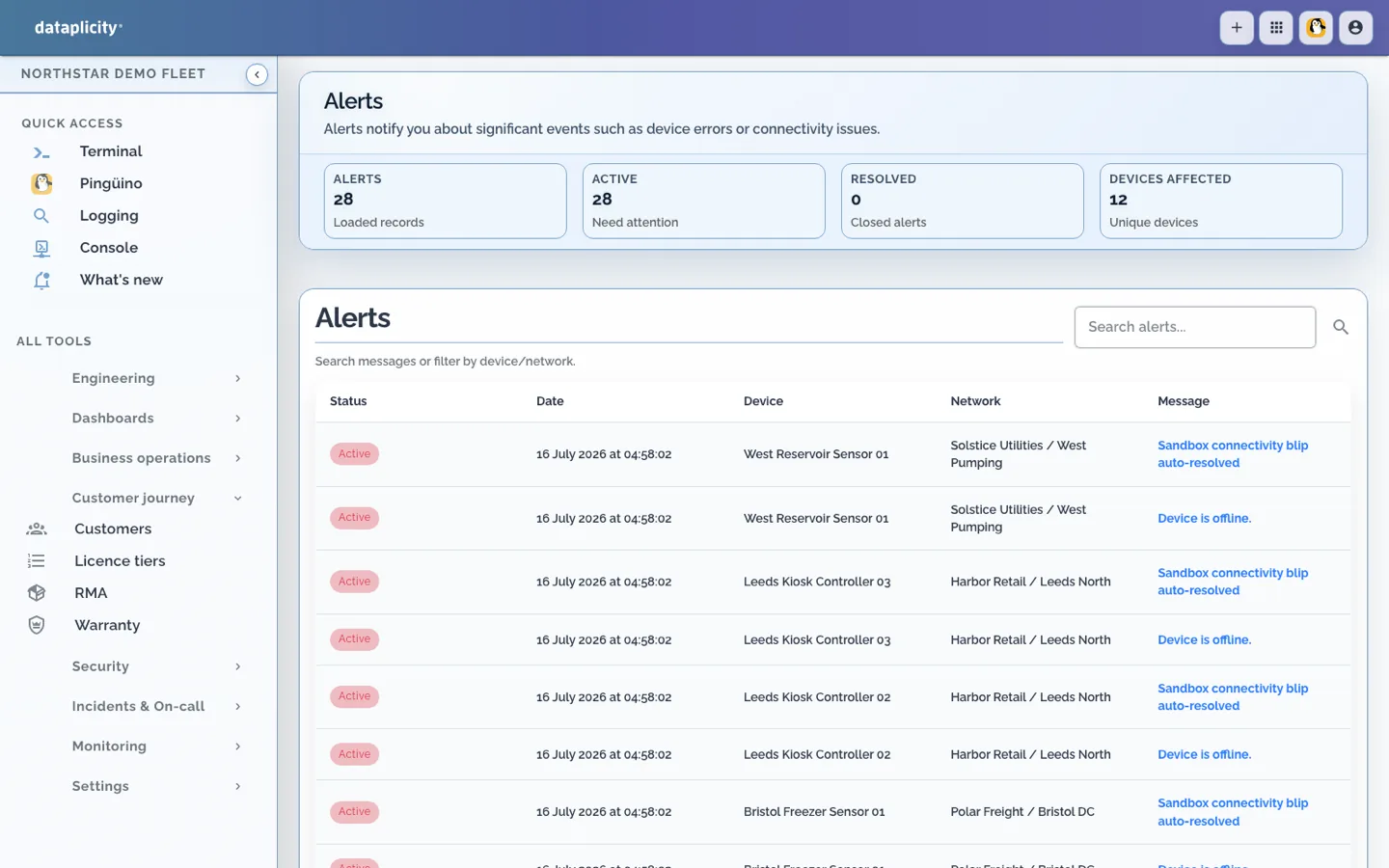
Give customers a reliable answer before they need to open a ticket.
Components
Map devices, services, or customer-facing features to status components.
Monitors
Drive status from heartbeat, service, and user-impact monitors.
History
Keep historical availability visible for enterprise buyers and support reviews.
Give support and customer success a place to send customers while engineering works the problem.
Triage
Start from alerts, monitors, or customer reports, then publish only the safe summary.
Updates
Post clear progress notes that support, account teams, and customers can all reference.
Resolution
Preserve timestamps, mitigation notes, and recovery evidence for post-incident reviews.
Status pages become proof that your team is operating the product professionally.
Branding
Publish under your own customer-facing identity.
Docs
Link documentation, runbooks, or customer guidance beside incidents.
Dashboards
Pair status with dashboards when customers need deeper visibility.