
Identity
One record per unit
Tie serial, hostname, device class, firmware, tags, and first check-in to the same device.

Search your device inventory and check its status, customer and product context before opening diagnostics or remote access.
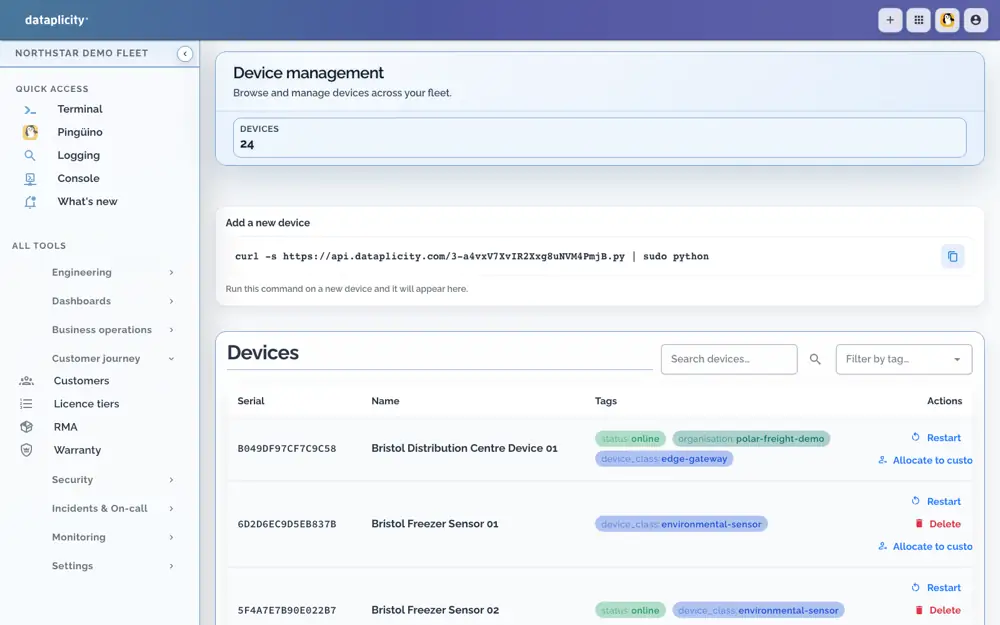
The device page becomes the source of truth after hardware leaves the factory.
Identity
Tie serial, hostname, device class, firmware, tags, and first check-in to the same device.
Ownership
See which customer, site, cohort, and entitlement a device belongs to before support acts.
Warranty
Keep warranty and license windows visible beside operational state and support history.
Know whether a device is healthy, reachable, and running the version you expect.
Health
Spot offline, degraded, and healthy devices without reconciling spreadsheets.
Cohorts
Build lab, pilot, production, customer, and region cohorts for rollouts and support queues.
History
Keep changes, check-ins, alerts, and support actions attached to the device timeline.
The same record starts the workflows your team uses when a customer calls.
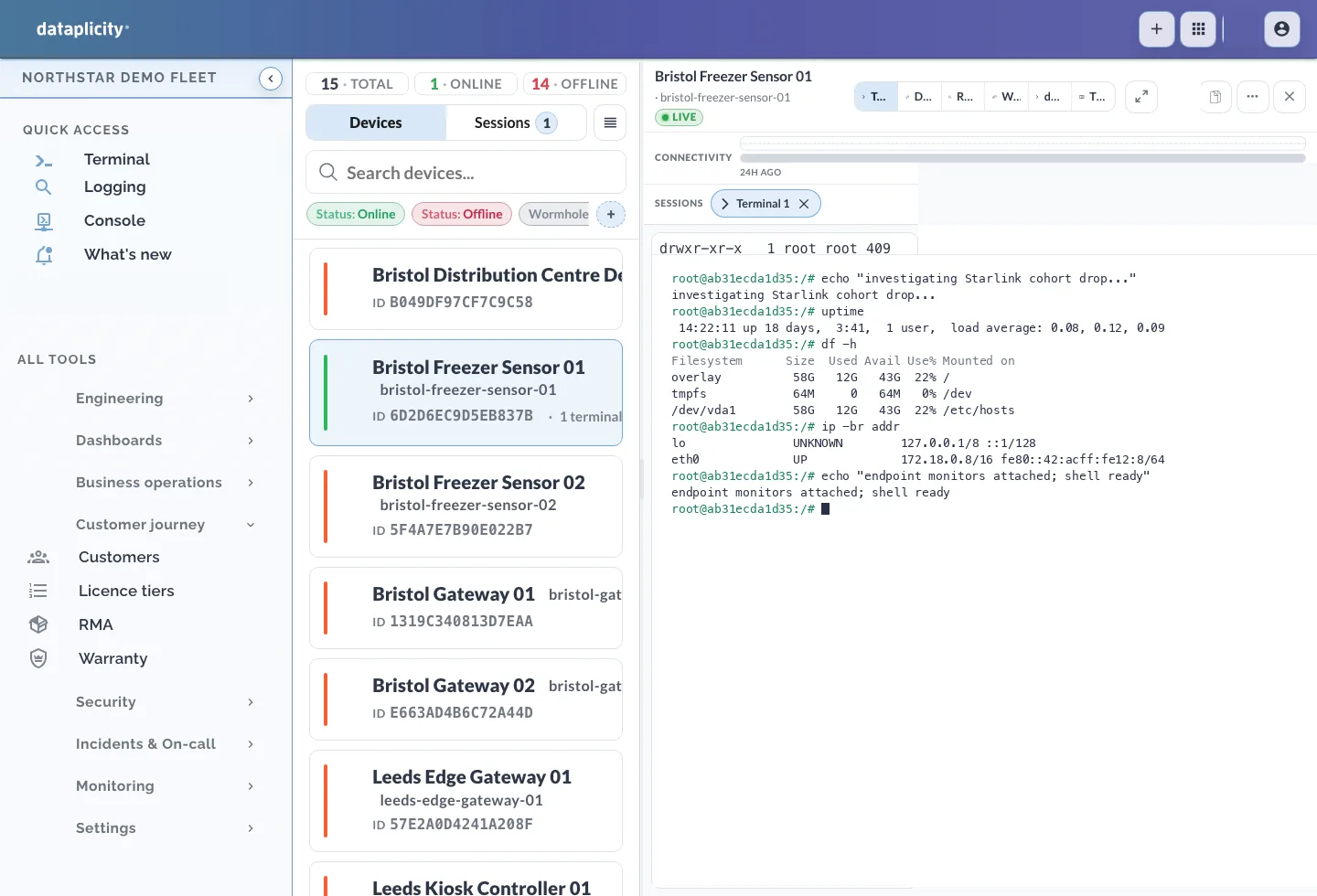
Logs
Jump from the device to logs, alerts, and recent events without losing context.
Remote
Launch Terminal or Wormhole from the affected device instead of hunting for network details.
Audit
Keep support actions and operator changes traceable for warranty and security reviews.
Register your first device and bring it online.