
 Forum
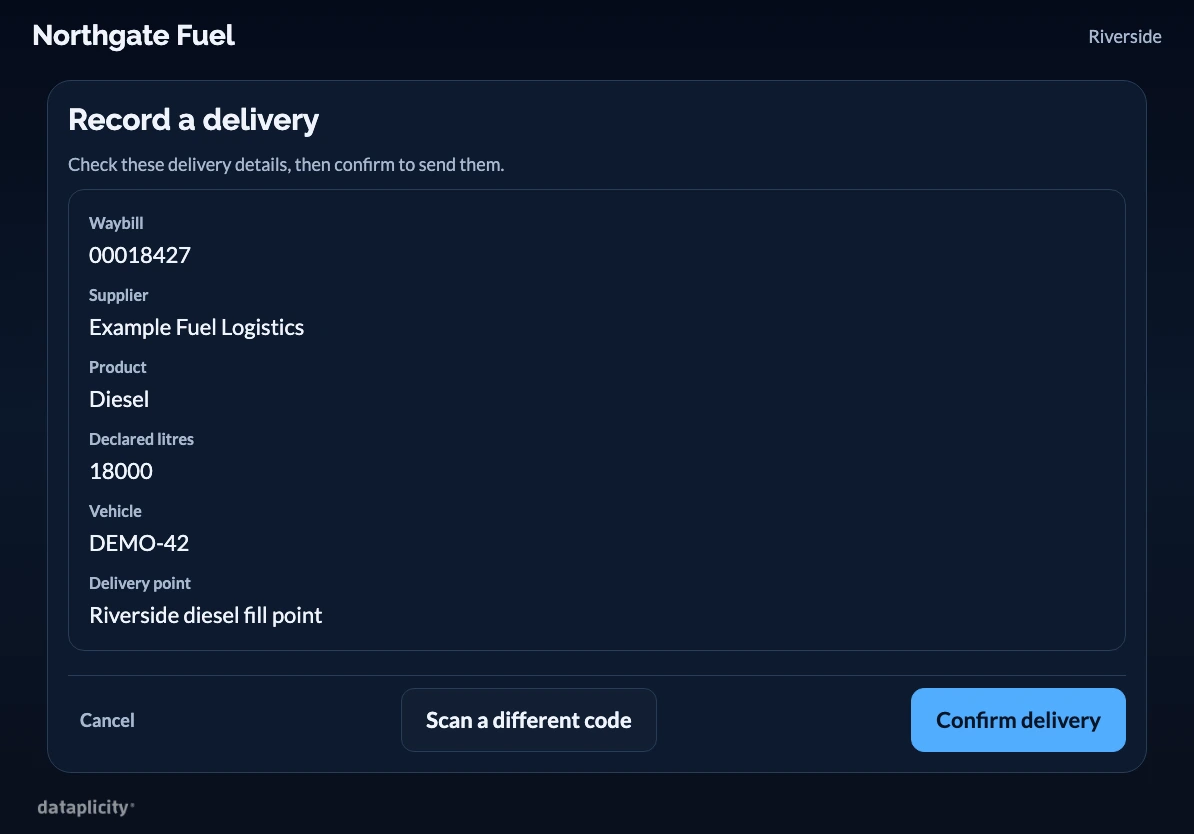
The driver leaves a clear delivery record.
Scan the supplier's QR, review the docket and confirm. Your team can find the submitted details in the web register, already attached to the site.

Welcome a visitor. Record a delivery. Help someone who needs your team. Put an iPad where people arrive, and shape the kiosk around what they need to do.
Dataplicity Visitors is iPad-only and designed to run as a shared kiosk. Download Visitors for iPad →

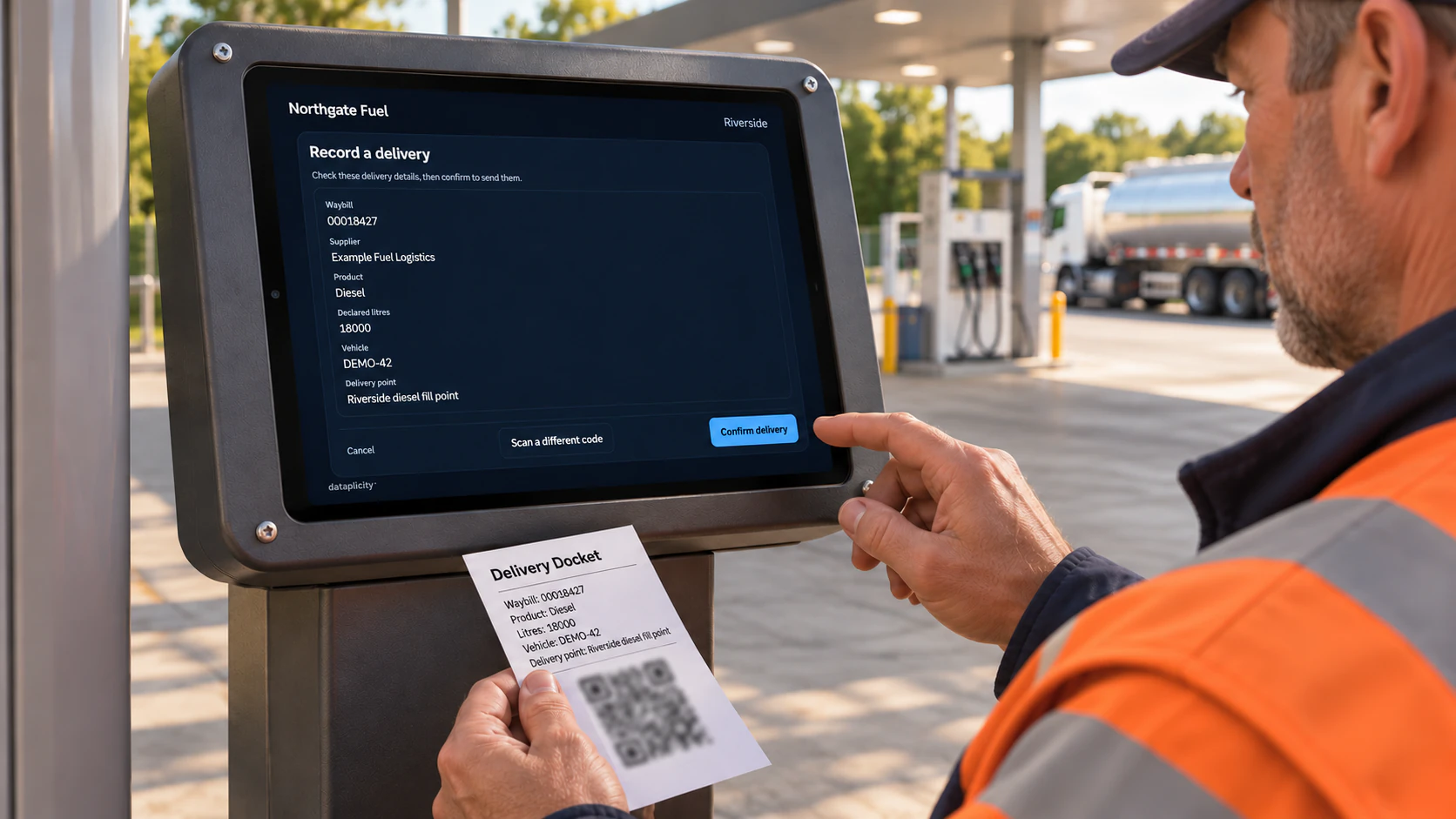
Two illustrated examples. Configure Visitors for the people and work at your site.
Visitors connects the person at your site with the people who can help. A reception, workshop or unattended location can each offer a different journey. These are two examples of how it fits into a working day.
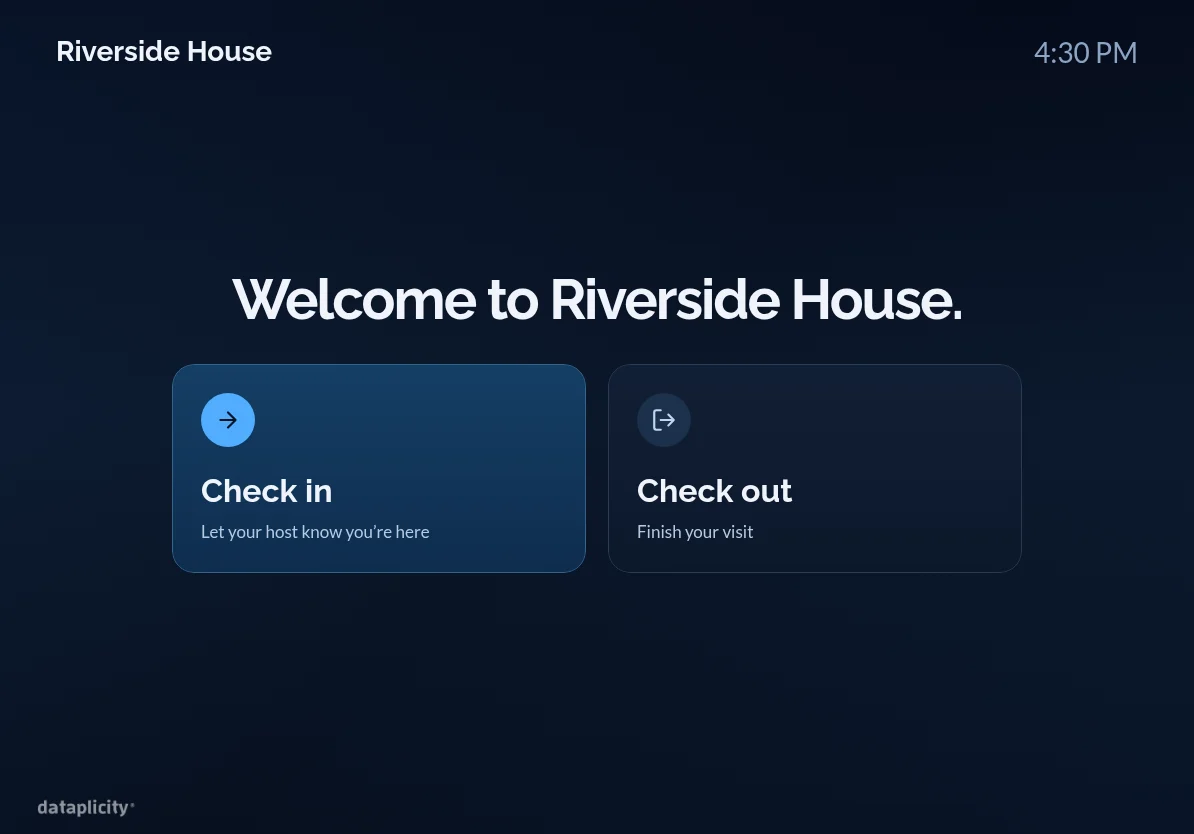
A guest arrives for a meeting. They sign in at the iPad, choose their host and let your team know they are here. At an office or workshop, ask for the details each visit needs and keep the arrival with the right site.
The selected host can receive an arrival email, with an optional app notification. Reception staff can help with sign-in, and visitors can check out when they leave.
Explore the Visitors guide →A tanker arrives at Riverside. A customer needs help at Pump 4. The same iPad help point gives each a route to the remote team.
Follow the Riverside walkthrough →Scan the supplier's QR, review the docket and confirm. Your team can find the submitted details in the web register, already attached to the site.
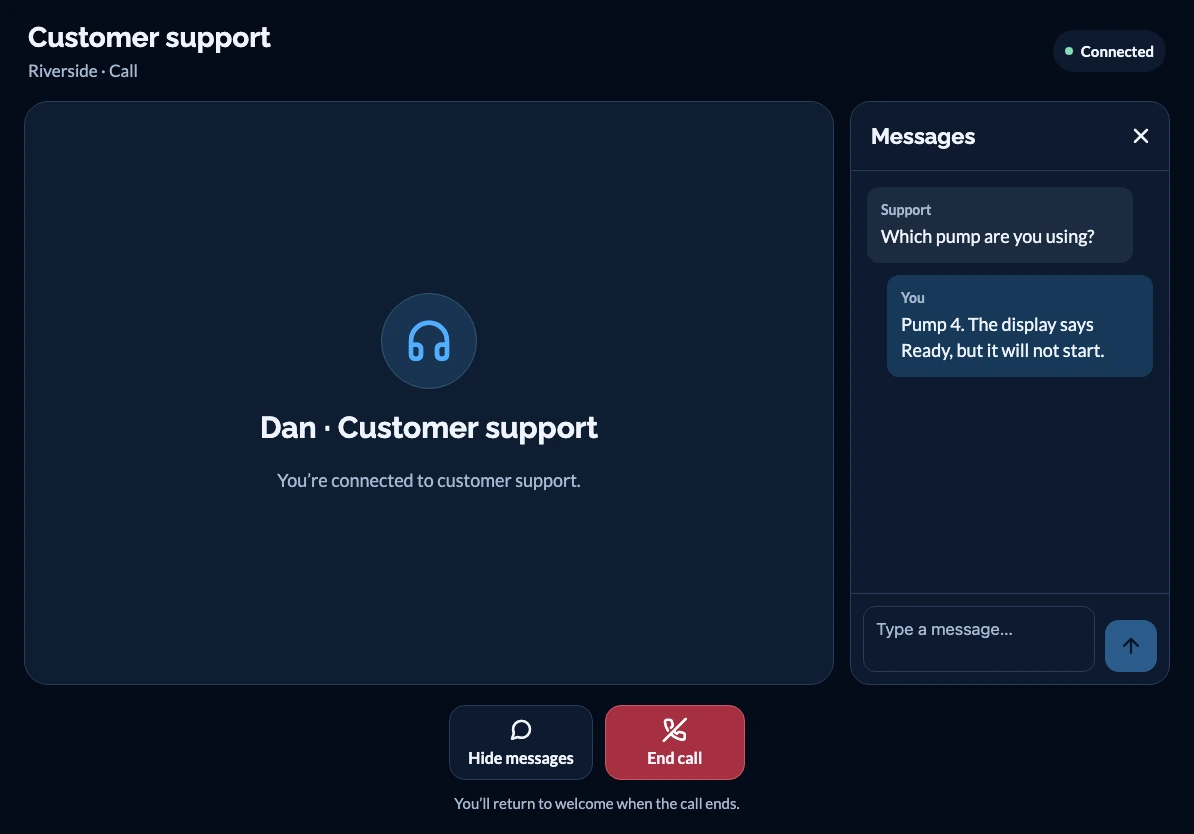
Pump 4 will not start. The customer calls from the kiosk, and your operator receives the site context. Once answered, they can talk by video or audio and exchange messages without the customer creating an account.
If the problem needs a repair or a cleaner, a site fault report gives your team the pump, bin or facility details to follow up.
Riverside is a fictional example. Support calls need an internet connection and an available on-call operator. Your existing systems continue to handle pump control, payments and fuel management.
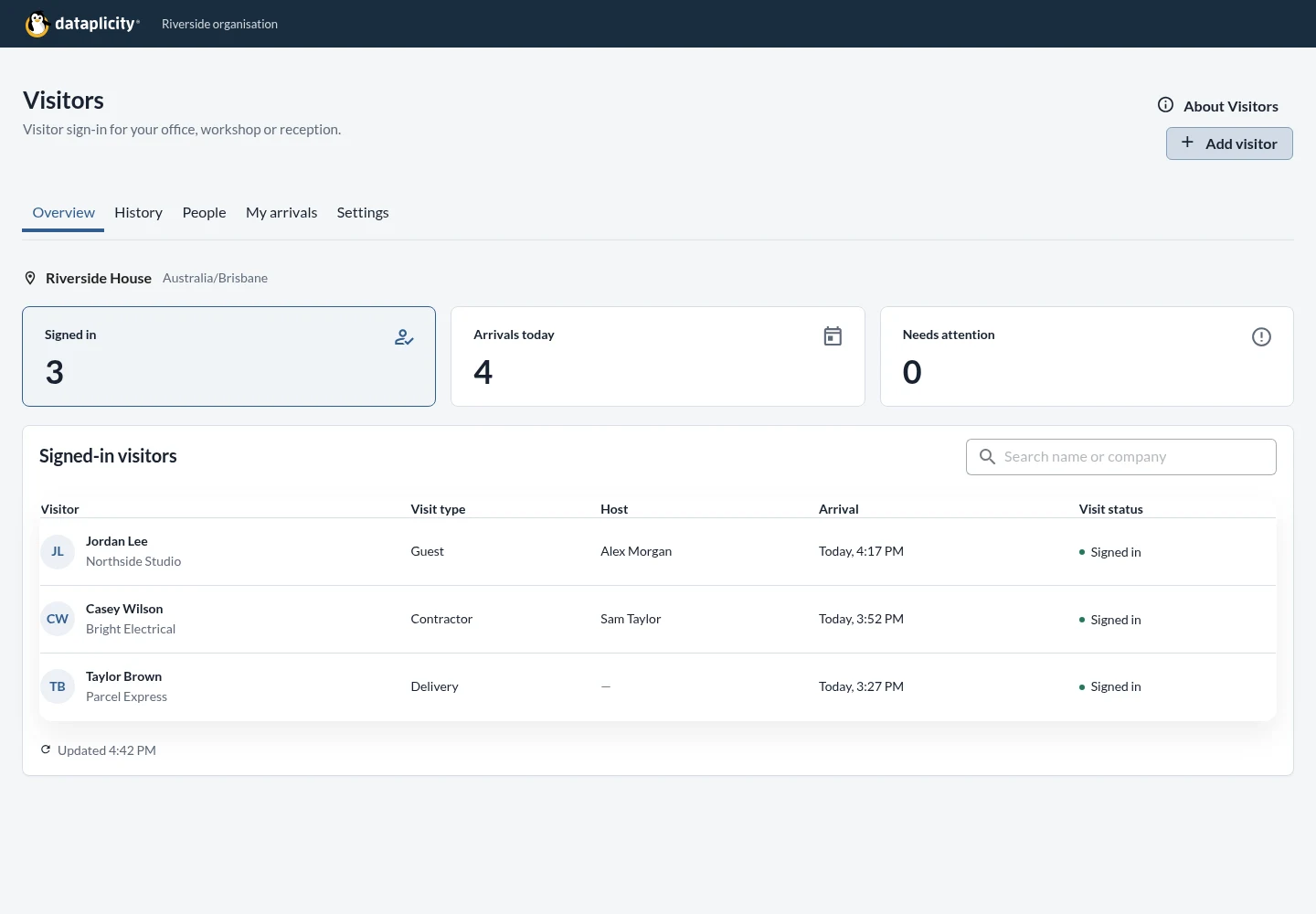
Give your team a clear view of today’s visitors. Search past visits when you need them, and manage your sites and kiosks from the website.
Share your instructions, add questions, and choose which visitors need to complete them.
Keep a history of the induction each person completed, including its version and date. Publishing new instructions preserves earlier records.
Read the Visitors guide →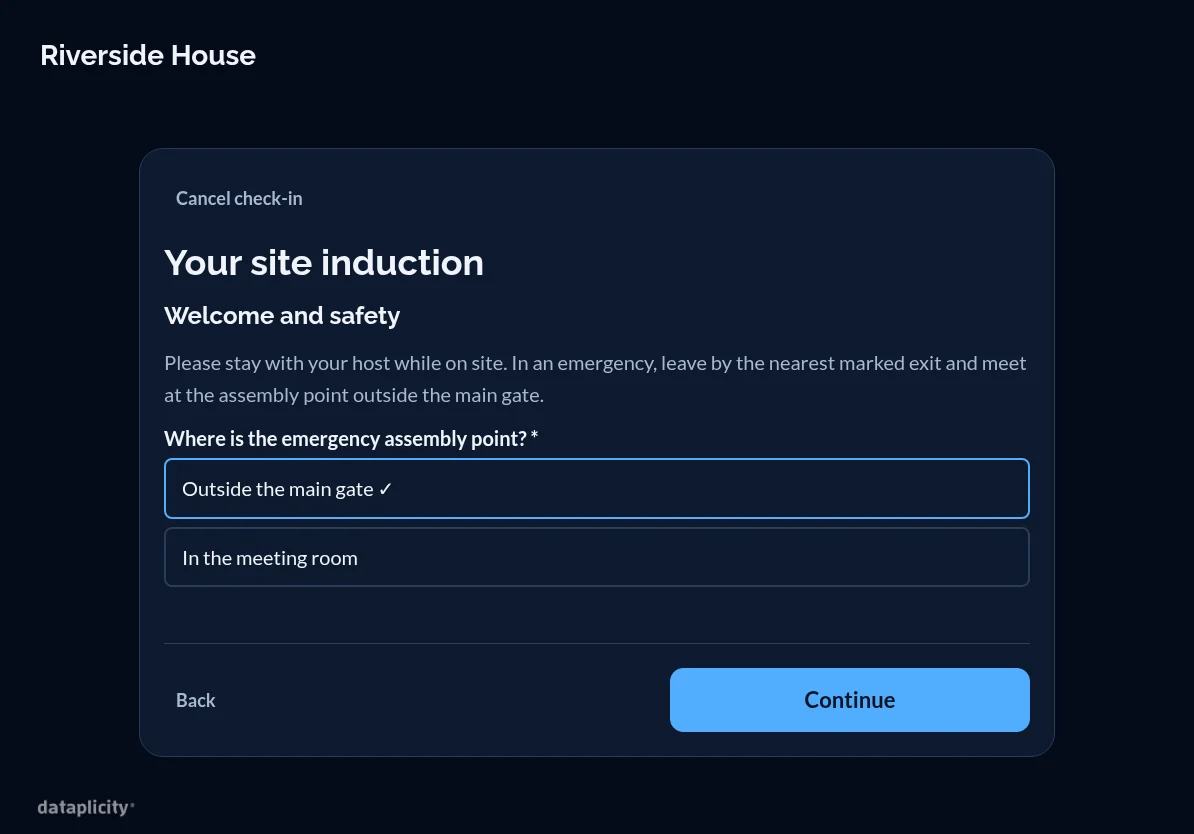
Open Visitors in Dataplicity. Add your site and choose the arrivals, deliveries or fault reports the kiosk should offer.
Install Visitors on the iPad, then use its pairing code to assign it to your site. Configure the kiosk from the website.
Download Visitors for iPad →Work through a delivery, fault report or visitor arrival on the mounted iPad. For support calls, put an operator on call and answer a test request.
Use one visitor site on Free, or all your sites on a paid plan. There are no per-visitor or per-kiosk fees. Visitor kiosks do not count towards billable IoT devices. Live calling availability and usage limits apply.
Compare plans →